

DappleOS is the clinic management software built for Australian cosmetic medicine, and we ship a release wrap every time we update it, so you always know what is new, what it does for your clinic, and what to switch on.
This release goes after two things: revenue that leaks, and the hours your front desk never gets back. Packages now sell themselves while the doors are shut. A declined card gets retried instead of quietly becoming a cancellation. Your campaigns report bookings and dollars instead of opens. And you can get an answer out of your own clinic data by typing the question.
What is new in DappleOS this release
- Buying and booking packages online. Sell pre-paid packages 24/7.
- Ask AI. Ask a question. Get the number.
- Treatment plans in the patient app. Show the plan. Book the next step.
- Goal tracking on campaigns and broadcasts. See which marketing drives revenue.
- Membership improvements. Recover payments. Retain members.
- Informed financial consent. Itemised, signed and documented.
- The post-visit trigger. One trigger. Fewer messages.
- Better reporting. Connect the data that matters.
- Correcting invoices. Fix mistakes without calling support.
Your clinic sells while it sleeps: packages online
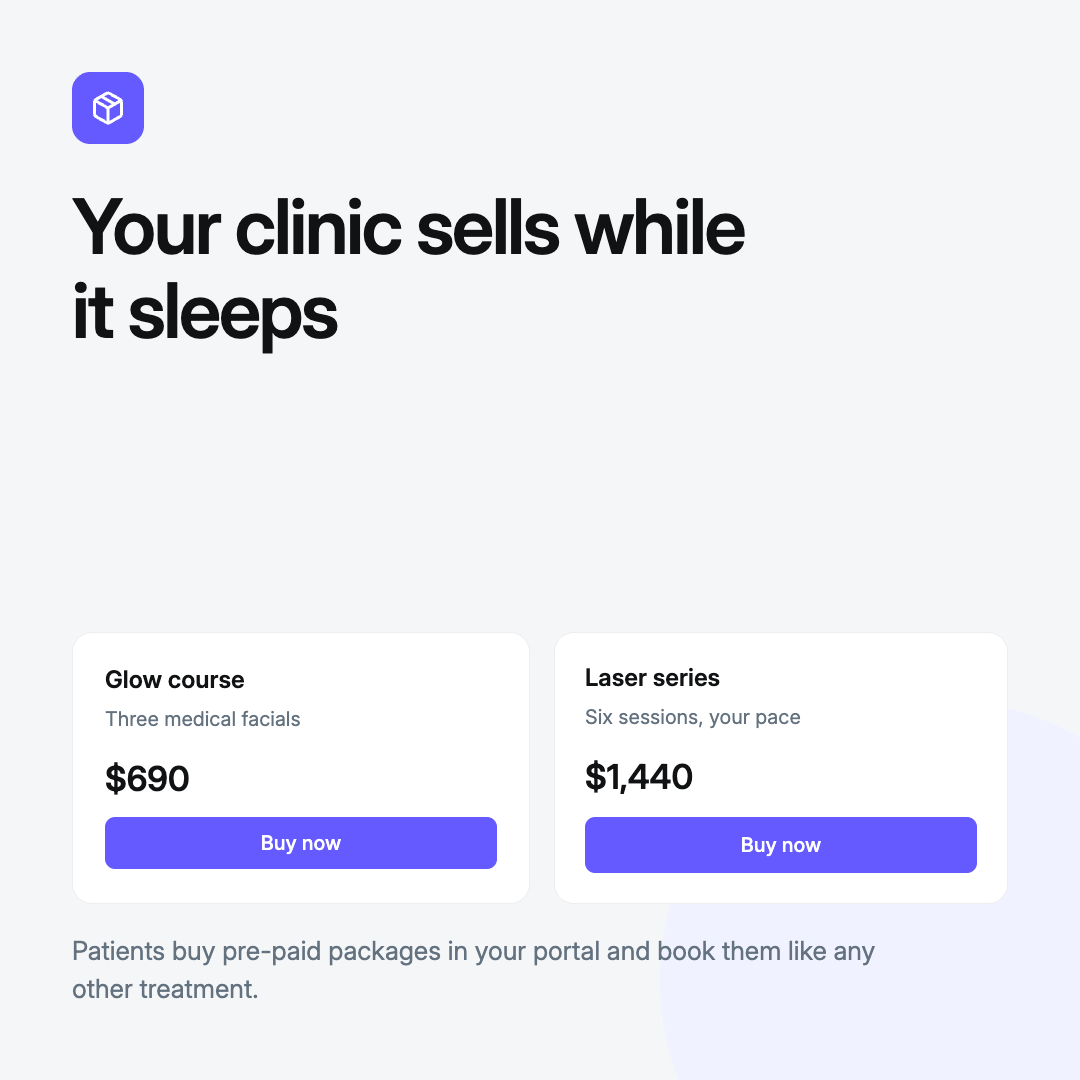
Patients buy a pre-paid package in your portal, pay in full on a saved card, and book it like any other treatment. The money lands upfront and the visit is already in the book, with nobody on the phone.
Why it matters. You keep selling outside opening hours, and package revenue stops depending on someone remembering to offer it.
How to use. Go to Settings, Billing, Packages. Create or edit the package as usual, then check the patient portal is switched on for your brand. It appears in the portal storefront, and purchases land on the patient's account automatically.
Ask a question, get the number: Ask AI
Beta, free to the end of September.
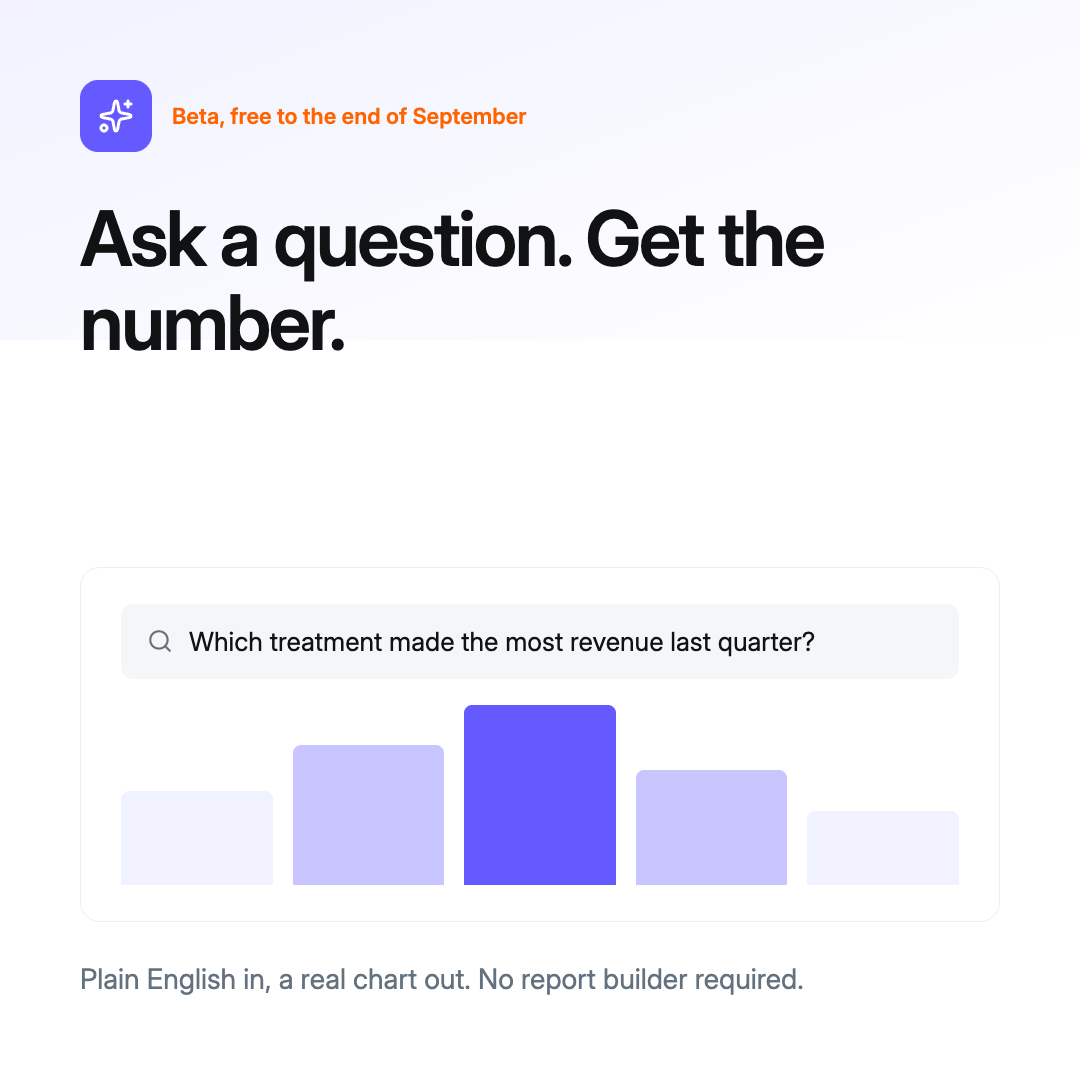
Ask a question about your clinic in plain English and get the answer back as a chart, a table, or a saved report. We rebuilt it this release, and it is far better at understanding what you actually asked.
Why it matters. Reporting stops being a specialist skill. Anyone in your team can answer a data question in the time it takes to type it. If an answer is not what you expected, give it a thumbs down, because that is what we use to make it better.
How to use. Open Reporting and choose Ask AI in the side menu. Type your question in plain language, and Ask AI builds the query and returns a chart or table, asking a clarifying question if it needs one. Staff need the Ask AI reporting permission.
The next step, already in their pocket: treatment plans
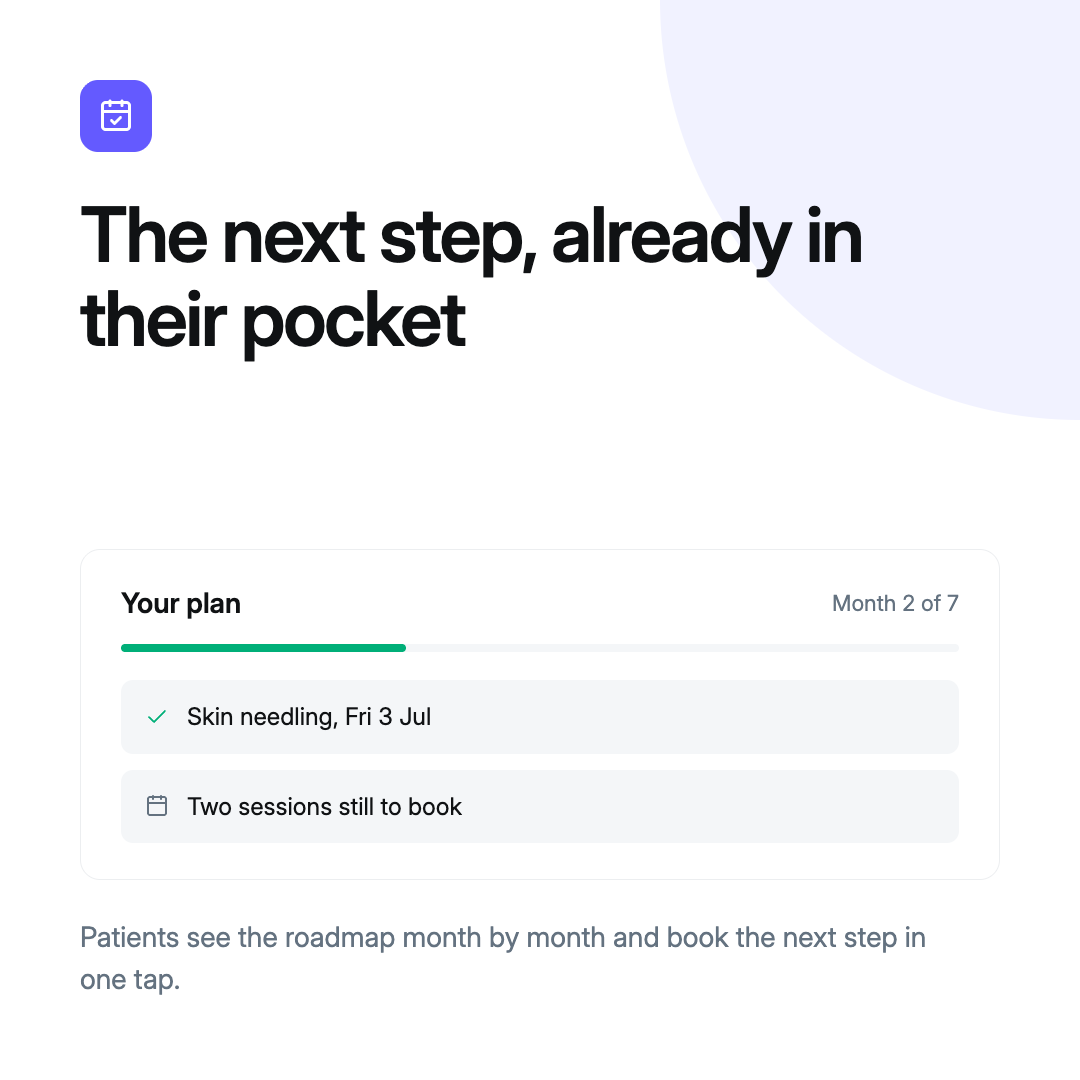
The plan is now a calendar-style experience, with summary cards on the portal home screen. Patients see the roadmap month by month, read what each treatment involves, and book the next step in one tap.
Why it matters. Patients lose momentum when they leave without a clear next step. The plan holds that step in front of them, so it gets booked without your team chasing it, and visit frequency and average visit value follow.
How to use. This is rolled out automatically to every patient app and portal. Build the plan on the patient's record and it appears in their portal profile. Items mark themselves booked or completed from real appointments and purchases.
Stop reporting opens, start reporting dollars: goal tracking
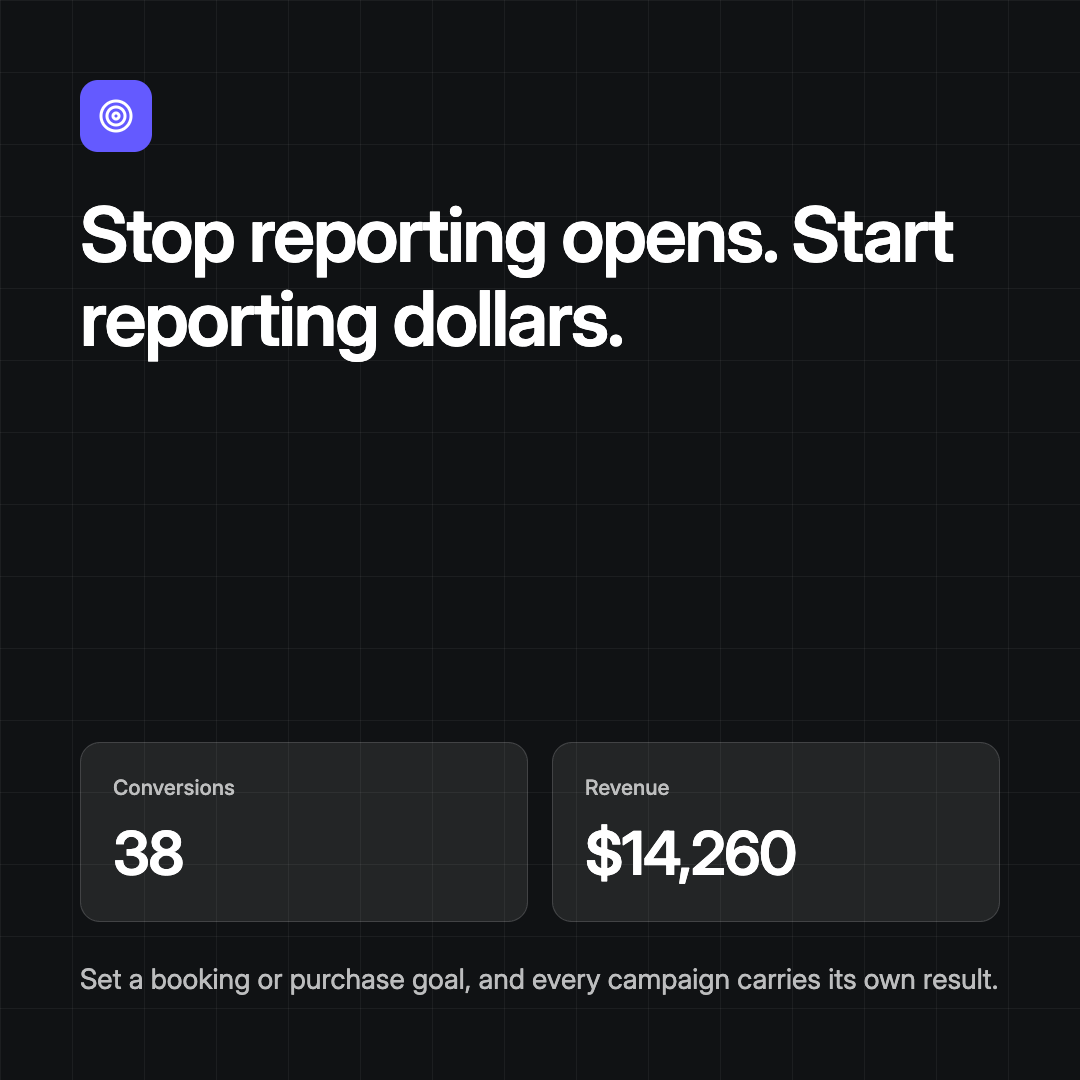
Decide what counts as a conversion, a booking or a purchase, and every recipient is measured against it. Every campaign carries its own conversion count and revenue figure.
Why it matters. You can see which campaign filled the book, and stop paying for the ones that don't.
How to use. Open the automation or broadcast under Marketing and set a conversion goal of Booking or Purchase. Narrow it to a treatment or tag if you want, set the conversion window in days, and save.
A declined card is not a cancelled member: membership improvements
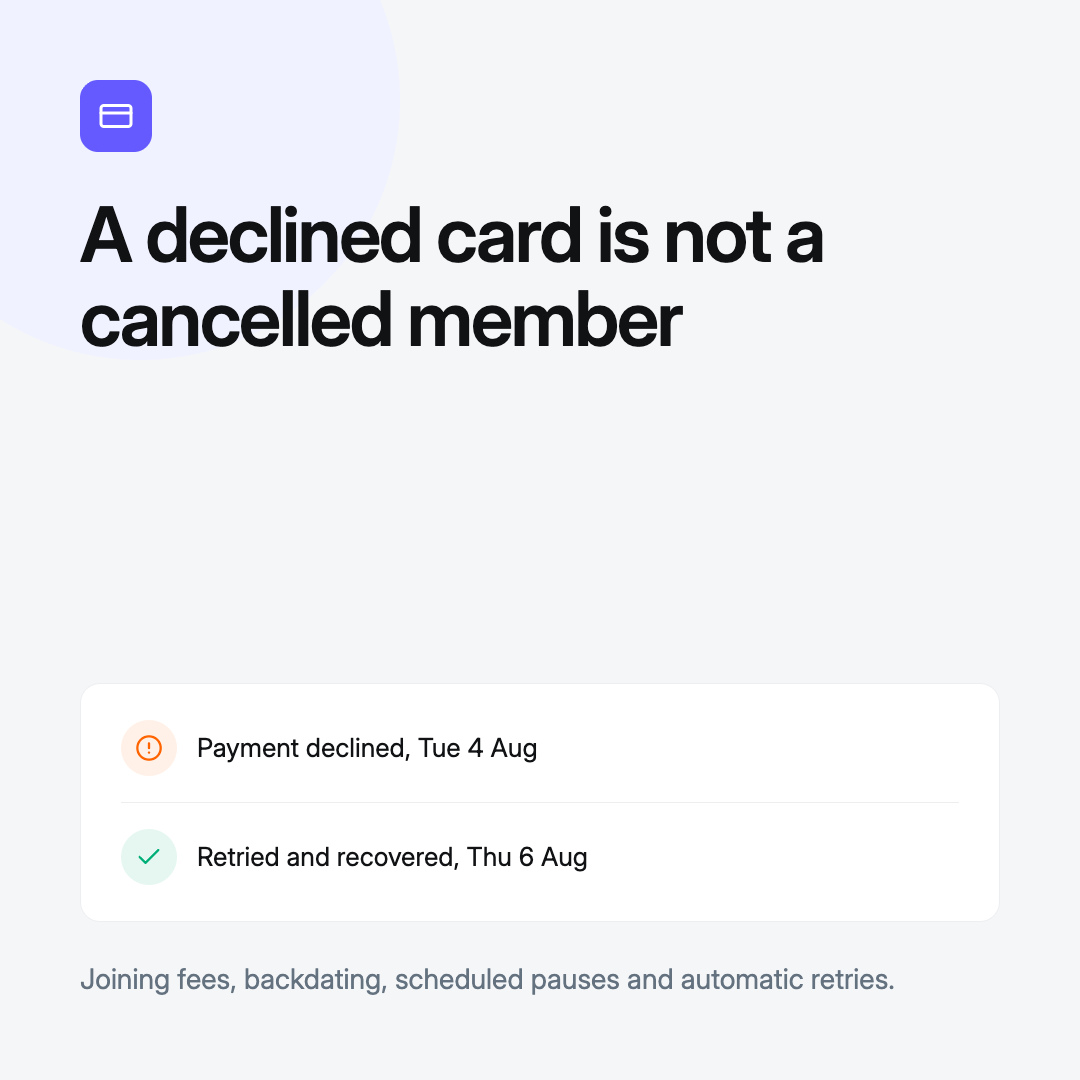
Improvements across joining fees, backdating, pausing and failed payments. Charge a one-off sign-up fee, start a membership from a past date, schedule a pause properly, and retry a declined card instead of losing the patient.
Why it matters. Continuity for your patients and predictable revenue for you. Declined cards retry and recover on their own, and a paused membership picks up again on the date you set.
How to use. Set a one-off joining fee when creating the membership, charged alongside the first payment. Backdate by setting a start date in the past, and the elapsed cycles are charged as one payment. Pause an active membership from the member's billing screen, optionally extending the term. Failed payments retry automatically, and you can collect manually from Billing at any time.
Four messages became one: the post-visit trigger
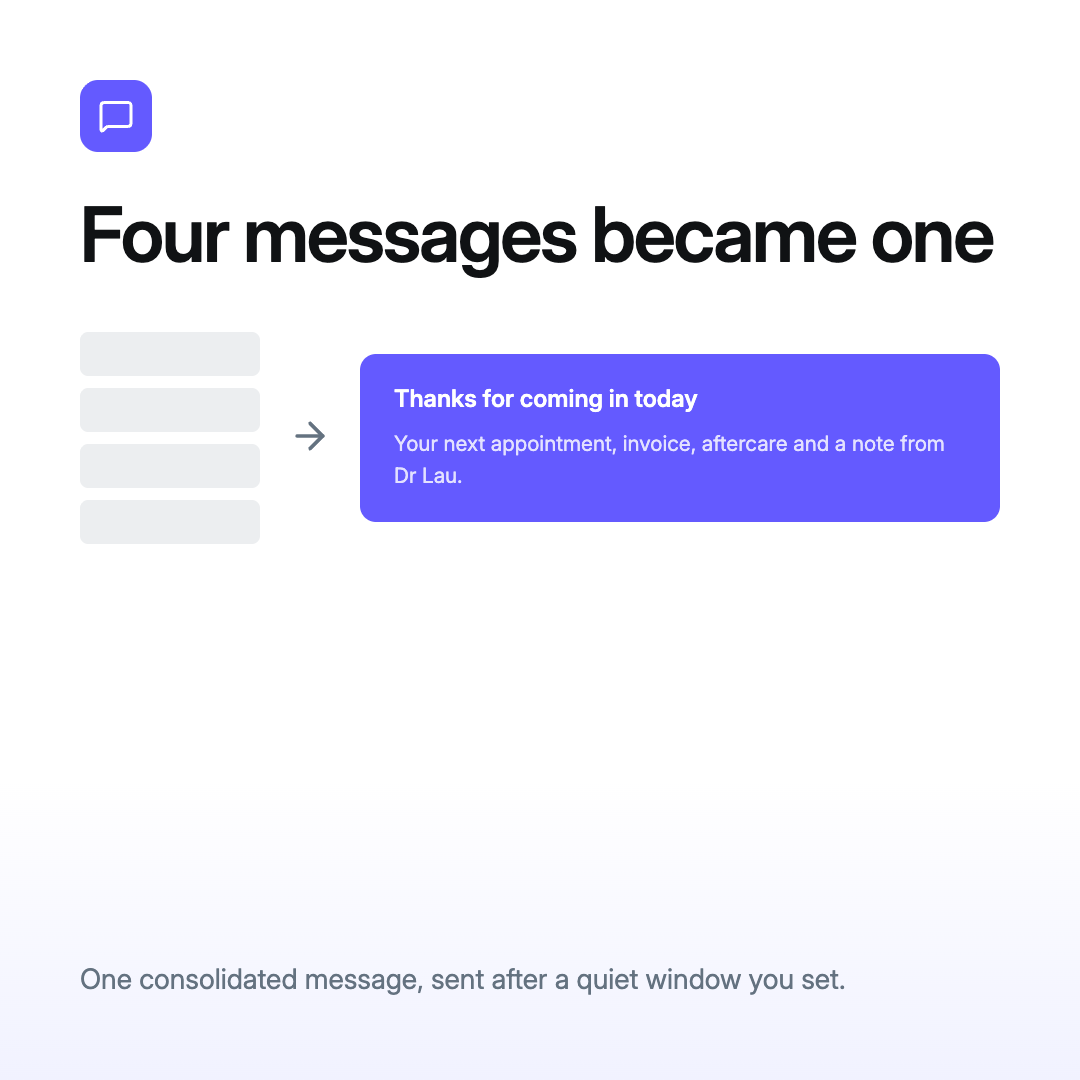
One consolidated message after a visit instead of four. It fires once, after a quiet window you set, and carries the next appointment, the invoice and payment link, the plan summary, aftercare, and the practitioner's own note.
Why it matters. One message that reads like your clinic wrote it, fewer sends to pay for, and aftercare your patients actually read.
How to use. Go to Marketing, Automations, then create an automation with the Post-Visit trigger. Set the quiet window in minutes after the last visit action, add your send steps or start from the default Post-Visit Digest Email, then switch off your older individual post-visit messages.
Two more, quietly doing the heavy lifting
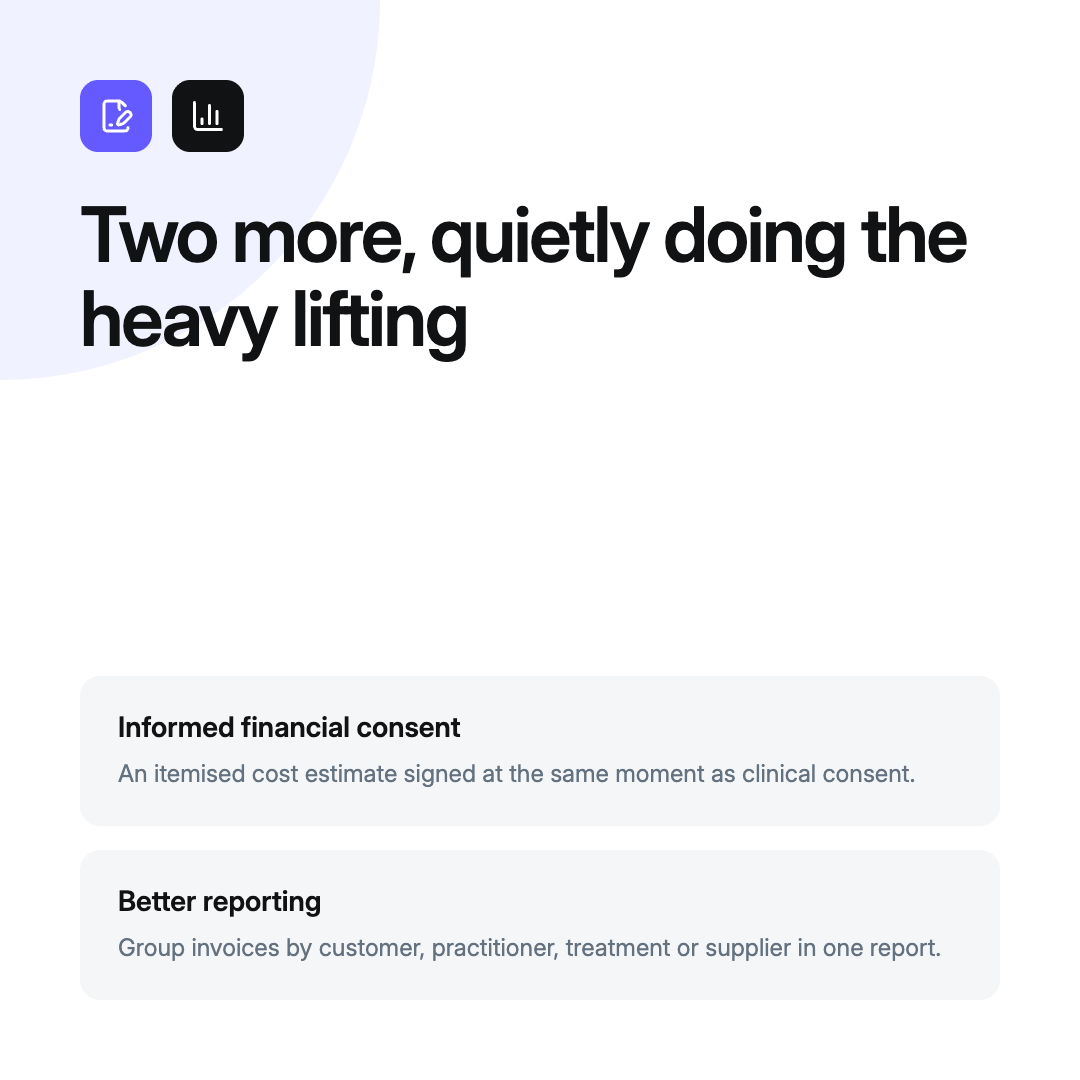
Informed financial consent
A form block that shows the patient an itemised cost estimate at the same moment they give clinical consent. Amounts pre-fill from what is billed on the note, price ranges show as from and to, and the exact wording and figures lock into the signed form.
Why it matters. Your patient agrees to the clinical and the financial in one moment, so there is no surprise at the front desk and a defensible record of exactly what they were shown.
How to use. Go to Settings, Forms, and add the Informed Financial Consent block to a form. Attach that form as a requirement on the relevant treatment under Settings, Treatments. Set the consent wording, quantity display and line combining in the treatment's form requirements. On the note, confirm or adjust the itemised prices before the patient signs.
Better reporting
A report can now pull descriptive columns from a related dataset. Ask a question about invoices and group it by customer, location, practitioner, treatment, product or supplier, without leaving the dataset you started in.
Why it matters. You can segment revenue by who the patient is, not just what was sold. Revenue by age range, treatment category or product supplier used to mean two exports and a lookup. Now it is one report.
How to use. In the Reporting query builder, pick your base dataset and open the Columns picker. You will see joined columns, like Customer Insights, available on the dataset.
Fix the invoice, not the whole day: correcting invoices
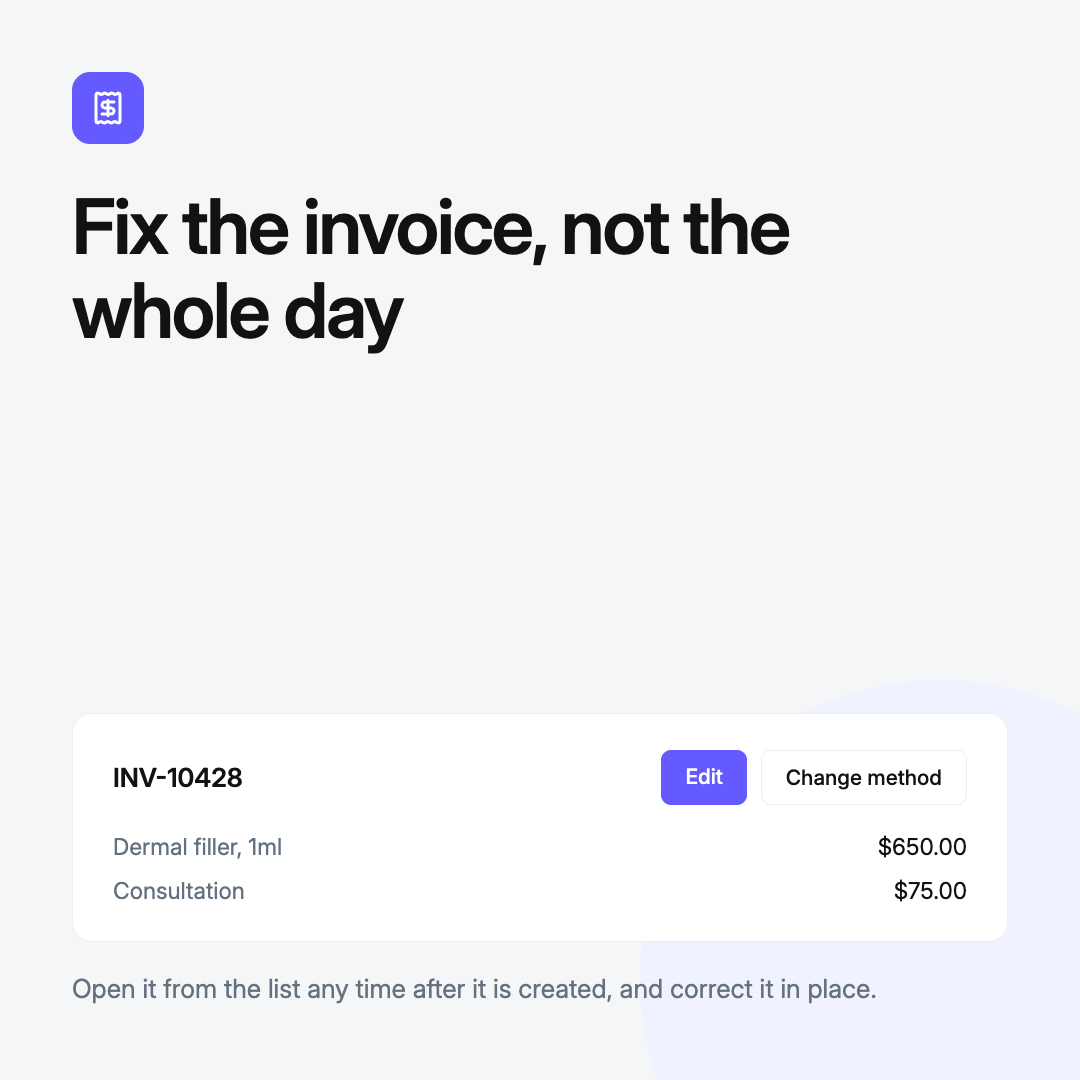
Correcting an invoice is now a clean, documented action. Open the invoice from the list at any time after it has been created and click Edit to make your changes. If the payment method was wrong, click Change method to swap it. Package redemptions, stock and discounts stay in step.
Why it matters. A correction takes seconds and happens at the front desk. The invoice is updated in place, the change is recorded against it, and the day stays balanced.
How to use. Open the invoice from the invoice list, click Edit to change the invoice, or click Change method to correct the payment method. Staff need the Billing edit permission.
And plenty more on the way
That is the wrap. Plenty more is already in build, across clinical workflow and clinic growth. We are constantly improving DappleOS, so stay tuned for our next release wrap.
If you have any questions, ask the in-app help assistant or reach out to your customer success manager. If you are still comparing practice management software for your cosmetic clinic, this is what a release month looks like with DappleOS.